MLA Format Guide
MLA format is a set of guidelines for organizing academic papers and documenting sources. It typically uses double spacing, one-inch margins, in-text citations with an author and page number, and a Works Cited page.
What MLA format means
MLA style is a system for formatting scholarly writing and giving credit to sources. It is published by the Modern Language Association and is commonly used in the humanities.
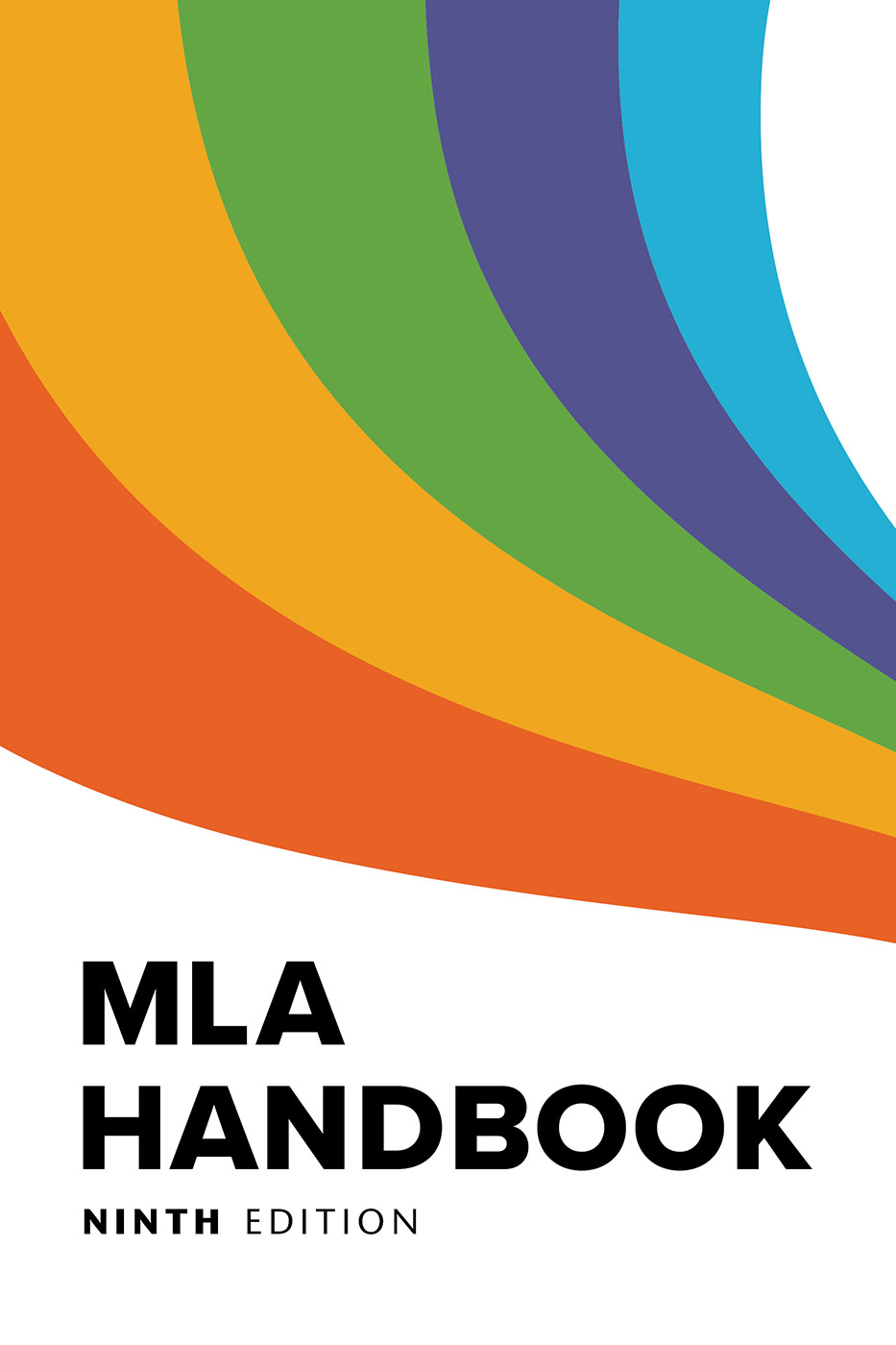
MLA uses brief in-text citations that point readers to fuller source details on a Works Cited page. The current edition of the MLA Handbook is the ninth edition.
Basic MLA page formatting
Use one-inch margins and double-space the paper, including the Works Cited page. Choose a legible font; follow your instructor’s directions if they specify a font or other settings.
On the first page, MLA papers generally begin with the student’s name, instructor’s name, course, and date at the upper left. Put the paper’s title below that information, centered, and start the text beneath it.
- Indent the first line of each paragraph by half an inch.
- Place your last name and page number in the upper-right header, unless your instructor gives different directions.
- Usually, do not add a separate title page unless your instructor asks for one.
How to set up an MLA paper
Use these steps as a starting point, then check your instructor’s assignment for any extra requirements.
- 1Set the page margins to one inch and choose a legible font.
- 2Set the document to double spacing and indent paragraphs by half an inch.
- 3Add the first-page heading and center the paper’s title.
- 4Add a last-name-and-page-number header, unless your instructor says otherwise.
- 5Cite borrowed material in the text and add a Works Cited page listing the sources.
In-text citations and the Works Cited page
An MLA in-text citation usually gives the author’s last name and the page number, such as (Garcia 42). If the author’s name appears in the sentence, the citation can give just the page number, such as (42).
The Works Cited page gives the full details readers need to find each source cited in the paper. Start it on a new page, use the heading “Works Cited,” and generally arrange entries alphabetically by the first element of each entry.
Check whether your paper is in MLA format
Check the page setup, first-page heading, title, paragraph indents, and page-number header. Then make sure each source cited in the text has a matching Works Cited entry and that the entries follow MLA’s format for their source types.
Citation details can differ for books, articles, websites, and other sources. When a source’s author or page numbers are missing, use the MLA guidance for that source rather than guessing.
Questions people ask
Is this MLA format correct?
Check the margins, spacing, first-page heading, title, paragraph indents, and page-number header. Also confirm that every in-text citation corresponds to a Works Cited entry and that the entry is formatted for its source type.
What is MLA format in references?
MLA calls its source list a Works Cited page. It gives the publication details for works cited in the paper, with entries generally alphabetized by their first element.
Does MLA format require a title page?
Usually, no. MLA papers typically put the student and course information on the first page; add a separate title page if your instructor requests one.
What font should I use for MLA formatting?
MLA calls for a legible font rather than requiring one specific typeface. Follow your instructor’s directions if they name a font or size.
Keep exploring
- PageMLA Citation FormatMLA format uses a Works Cited entry for each source and brief in-text citations that point readers to those entries. A typical in-text citation gives the author’s last name and the page number, when one is available.
- PageAPA FormatAPA format is a set of rules for organizing academic papers and citing sources, commonly used in the social and behavioral sciences. For a student paper, it generally covers page layout, a title page, in-text citations, and a reference list.
- PageAPA Title Page GuideAn APA 7 student title page includes the paper title, author, school affiliation, course, instructor, and due date. Put page number 1 in the top-right corner; a running head is usually not needed for student papers unless the instructor requests one.
- PagePrinters GuideA printer turns digital documents, photos, and other files into paper copies. The main choices are inkjet and laser printers; the right one depends on what you print, how often you print, and whether you need features like scanning or wireless printing.
- PageResume GuideA resume is a document that presents your background, skills, and accomplishments, usually to apply for a job. A strong resume makes your relevant experience easy for an employer to find and understand.
- PageWorks Cited: How to Write and Format CitationsA works cited page lists the sources you referred to in a paper so readers can identify and find them. Its format depends on the citation style; in MLA, the page is titled “Works Cited” and entries are generally arranged alphabetically.