Pixel Art Maker
Draw on a pixel grid with pencil, fill and mirror, then download your picture as a PNG.
32 × 32 · Fit
Start from a picture
Keyboard shortcuts
- P
- Pencil
- E
- Eraser
- F
- Fill an area
- I
- Pick a color from the picture
- L
- Line
- R / Shift+R
- Rectangle, filled rectangle
- M
- Mirror: left and right, top and bottom, all four
- G
- Grid lines on or off
- Ctrl+Z / Ctrl+Y
- Undo, redo
- + / − / 0
- Zoom in, out, fit
Tips
- Right-click erases with any tool, and Alt-click picks the color under the pointer.
- Zoomed in, the mouse wheel moves the picture; hold Space and drag, or drag with the middle button, to move it too. Ctrl and the wheel zoom at the pointer.
- The PNG comes out at the size you choose: at 16×, each cell becomes a 16 by 16 pixel square, sharp at any size. Untick Transparent for a white background.
- Canvases go from 16×16 to 64×64, or any custom size up to 128×128. Changing the size keeps the drawing in the middle.
- Your drawing is kept in this browser, so it is here when you come back. It is not uploaded anywhere.
Related
- AppPhoto Collage MakerPut 2 to 9 photos into a collage: pick a layout, spacing, corners and background, and save it as a JPG or PNG.
- PageCrafts to MakeCrafts are projects made by hand using skills and materials such as paper, fabric, clay, or recycled items. Good beginner crafts include paper decorations, simple sewing projects, painted pots, and handmade cards.
- AppAddress Label MakerPrint return address labels or a mailing list on the common 30-per-sheet 1 x 2 5/8 inch label sheets, free in your browser.
 PagePainting and Paint ArtPaint is a colored material applied to a surface that dries into a solid film. In art, paint is used to create images called paintings, using different colors and types of paint.
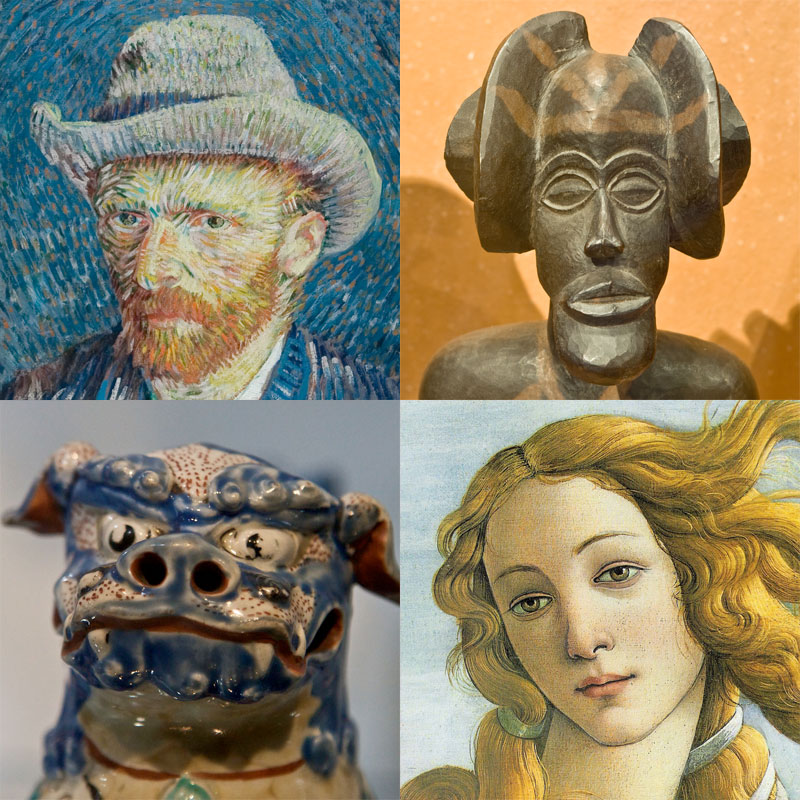 PageArt and ArtworkArt is creative human work made to offer an experience, such as emotion, thought, or beauty. An artwork is an individual creation, which can take many forms and may be interpreted differently by each viewer.
- AppName Tag MakerPrintable name tags and HELLO my name is stickers: type the names and print them on 8-per-sheet 2 1/3 x 3 3/8 inch badge sheets.